CSS Position Property In-depth 💎

Tech enthusiast from The Silicon City of India. Fascinated by technology. Currently upgrading my learnings on the backend concepts. Resourceful, Passionate about building new projects. Kaizen on problem-solving skills. Interested in Software Development, Blockchain and also love to play cricket.
Why position property?
HTML elements can be positioned in different ways using the CSS position property which supports a couple of values (also known as positioning methods).
Few of the values support the additional position properties like top, bottom, right, left which can be used to reposition a component in the webpage.
What are the various values a position property can accept?
static
relative
absolute
fixed
sticky
**NOTE: ** Value that DOES NOT SUPPORT additional position properties like top, bottom, right, left is STATIC
Boilerplate code for today!
CODE
/* <!-- HTML CODE--> */
<div class="center">                   //CENTER DIV
  <div class="box orangeBox"></div>
  <div class="box blueBox"></div>
  <div class="box greenBox"></div>
</div>

/* CSS CODE */
.center{
    height: 60vh;
    width: 40vw;
    display: flex;
    align-items: center;
    background-color:snow;
    padding: 2vh 2vw;
    position: relative;
}

.box{
    height: 16vh;
    width: 10vw;
}

.orangeBox{
    background-color: #ff4500;
}

.greenBox{
    background-color: #10d310;
}

.blueBox{
    background-color: #0000ff;
}
** OUTPUT**
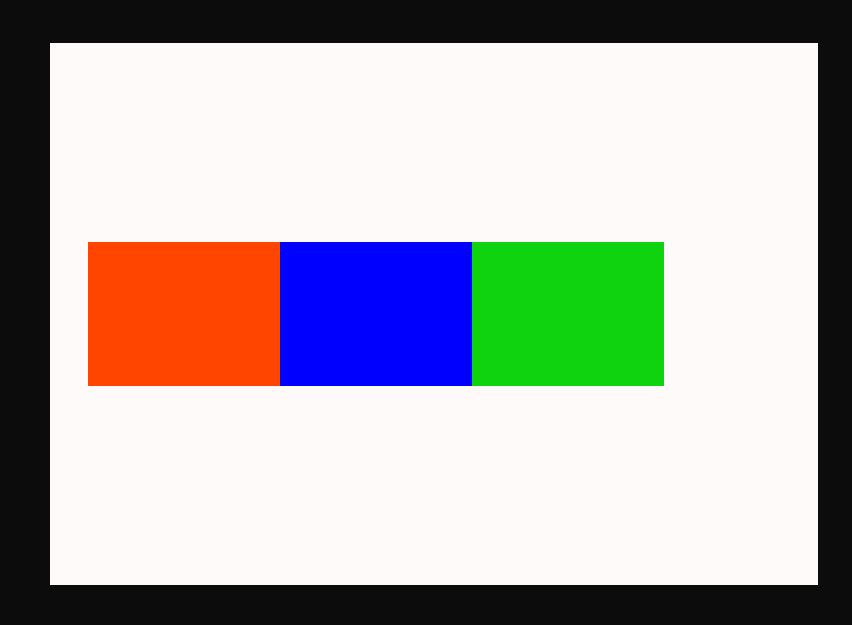
Static position
Is a default value for the property. It's called non-positioned as it does not support additional position properties. It depends entirely on markup flow.
Here in the example below, I will apply static position to all the boxes let's see the difference.
CODE
.orangeBox{
    background-color: #ff4500;
    positon: static;
}

.greenBox{
    background-color: #10d310;
    positon: static;
}

.blueBox{
    background-color: #0000ff;
    positon: static;
}
OUTPUT
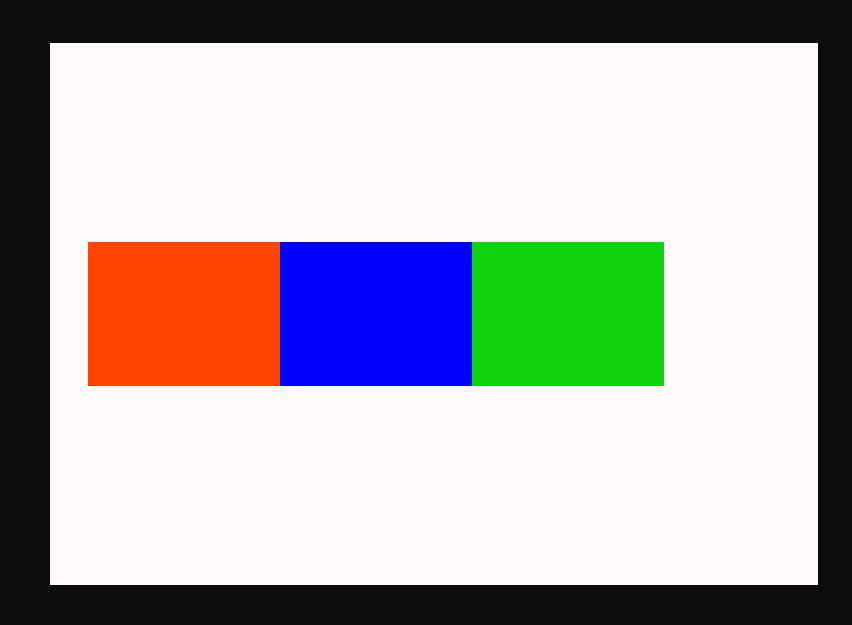
As we can observe there is no change in the output when compared with the default output.
Relative position
Elements that are relatively positioned will retain their flow in the document and can be repositioned without affecting other elements.
In the example below we will be applying relative position to the blue box and let's observe the output.
CODE
.blueBox{
    background-color: #0000ff;
    positon: relative;
    top: 50px;
    left: 50px;
}
OUTPUT
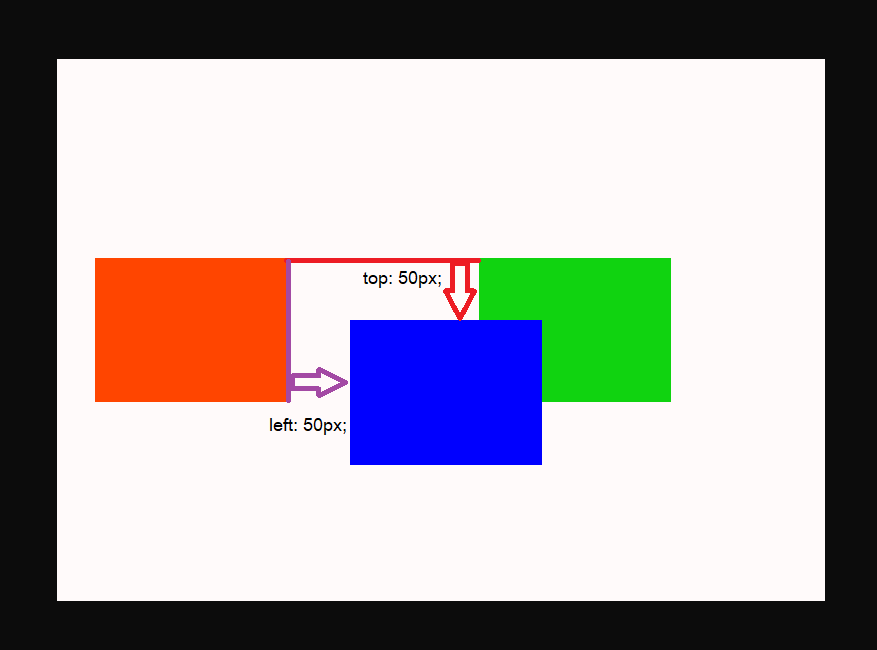
We can observe that the flow of the blue box is retained i.e the space occupied by the blue box is not occupied by any other elements. It is also repositioned 50px from the top and from the left.
Here repositioning depends upon the element flow only. Hence 50px from the top and left is calculated with respect to the top and left corner of the actual space occupied by the blue box.
Absolute position
Elements that are positioned with absolute value will not retain their flow in the document, Other elements will occupy the space of the element. Repositioning depends upon the relative parent i.e any parent which is positioned relatively. If there are no relative parents found it will reposition based on the root element.
In the example below we will be applying absolute position to the blue box and let's observe the output.
CODE
.blueBox{
    background-color: #0000ff;
    positon: absolute;
    top: 50px;
    left: 50px;
}
OUTPUT
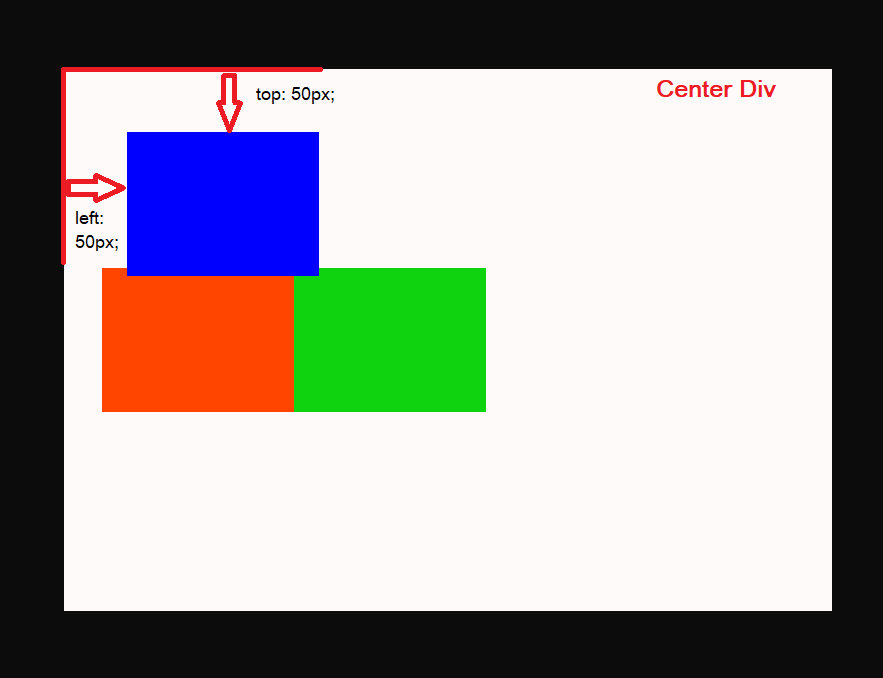
We can observe that the flow of the blue box is not retained i.e the space occupied by the blue box is occupied by the green box. It is also repositioned 50px from the top and from the left.
Here repositioning of this blue box depends on the center div (Refer to boilerplate code to understand center div) because the center div is relatively positioned and is a parent of the blue box (Relative Parent).
Fixed position
Elements that are positioned with the fixed value will not retain their flow in the document, Other elements will occupy the space of the element. Repositioning depends upon the viewport (window height and width).
In the example below we will be applying a fixed position to the blue box and let's observe the output.
CODE
.blueBox{
    background-color: #0000ff;
    position: fixed;
    top: 50px;
    left: 50px;
}
OUTPUT
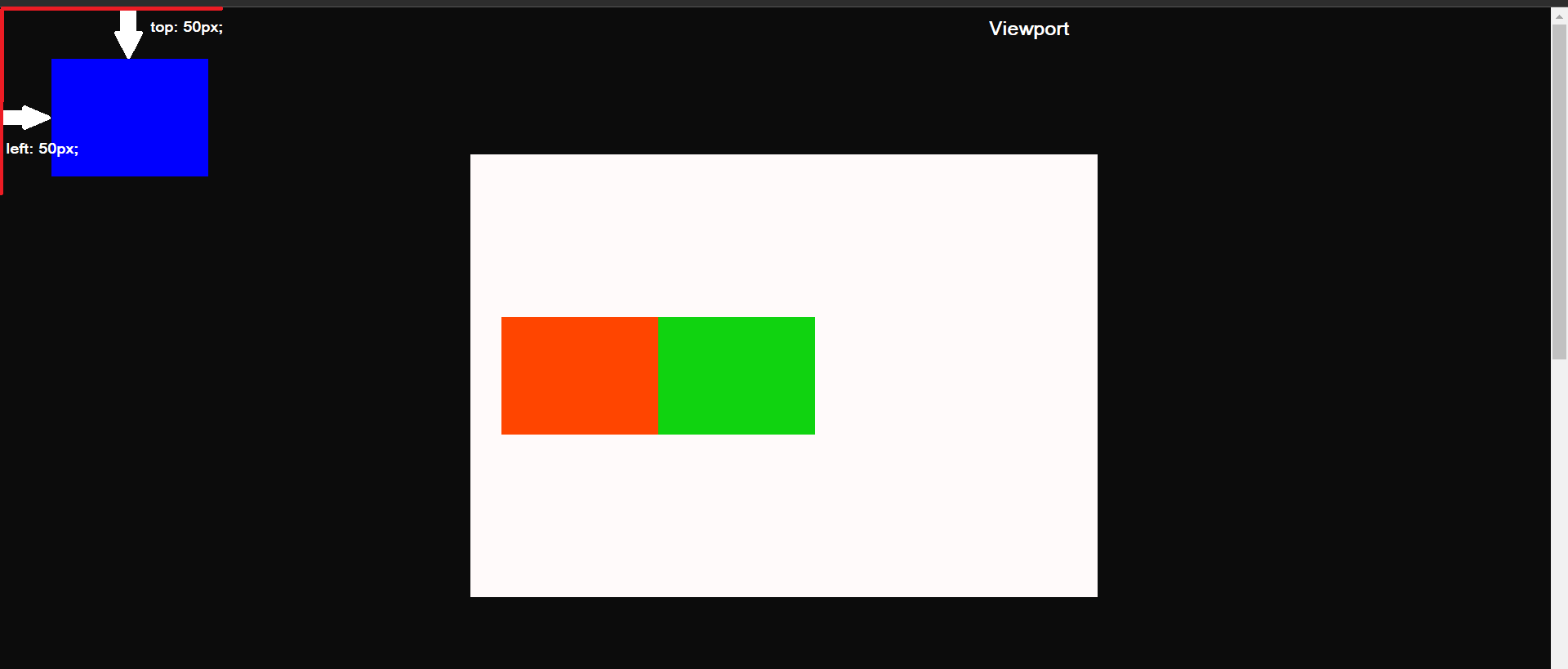
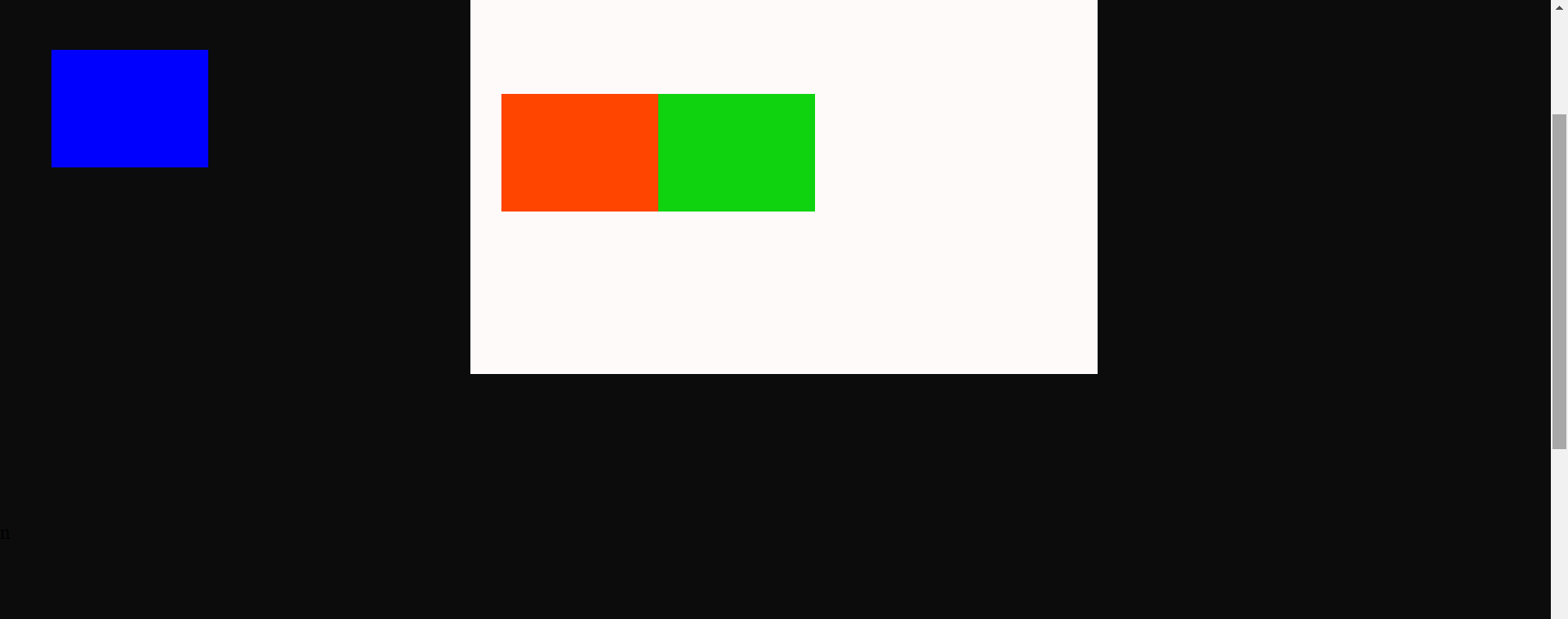
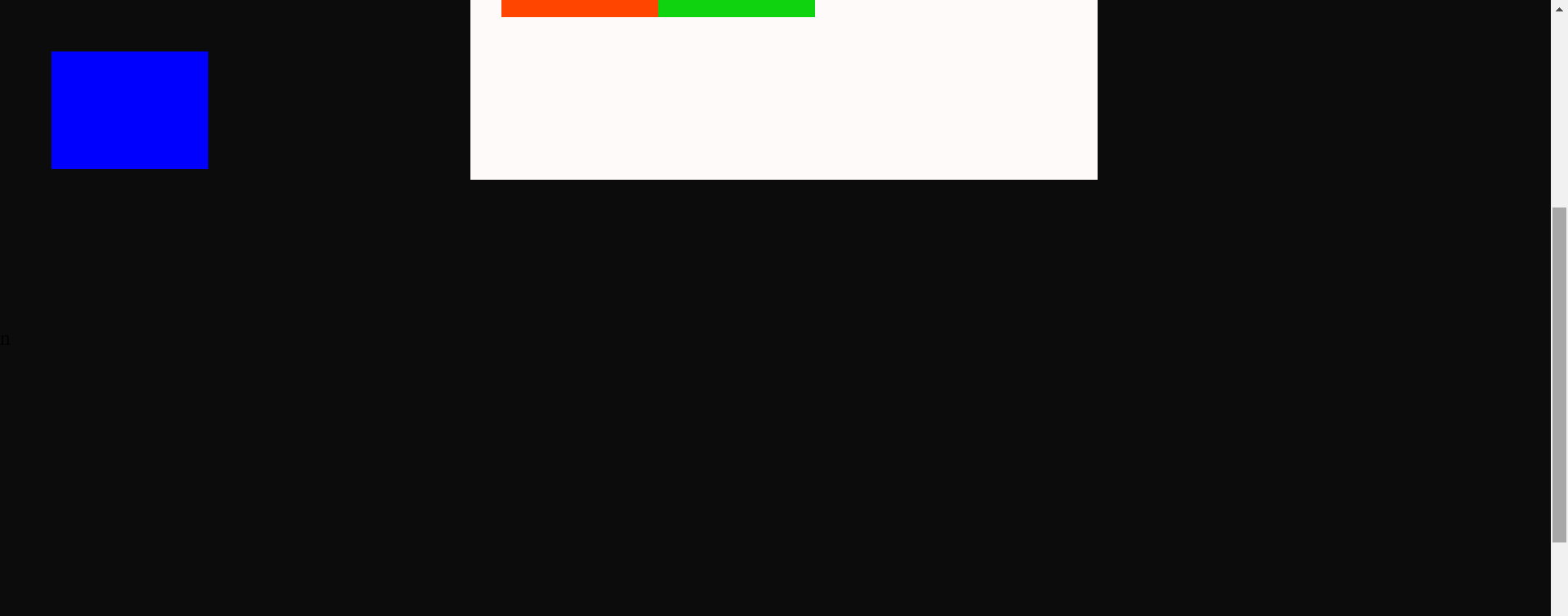
yeah, I have attached three outputs🙂. Time to observe...!
We can observe that the flow of the blue box is not retained i.e the space occupied by the blue box is occupied by the green box. It is also repositioned 50px from the top and from the left.
Here repositioning of this blue box depends on the viewport and we can also see on scrolling the page (You can see the scrollbar in the output), The blue box is fixed to the same position and is moving along the page as we scroll.
Sticky position
Elements that are positioned with the value sticky will have properties of relative position, static position, and fixed position i.e the element will retain the flow in the document as the relative element does and remains in the same position once we scroll until the parent of that element end.
In the example below we will be applying a sticky position to the blue box and let's observe the output.
CODE
.blueBox{
    background-color: #0000ff;
    positon: sticky;
    top: 10px;
}
OUTPUT
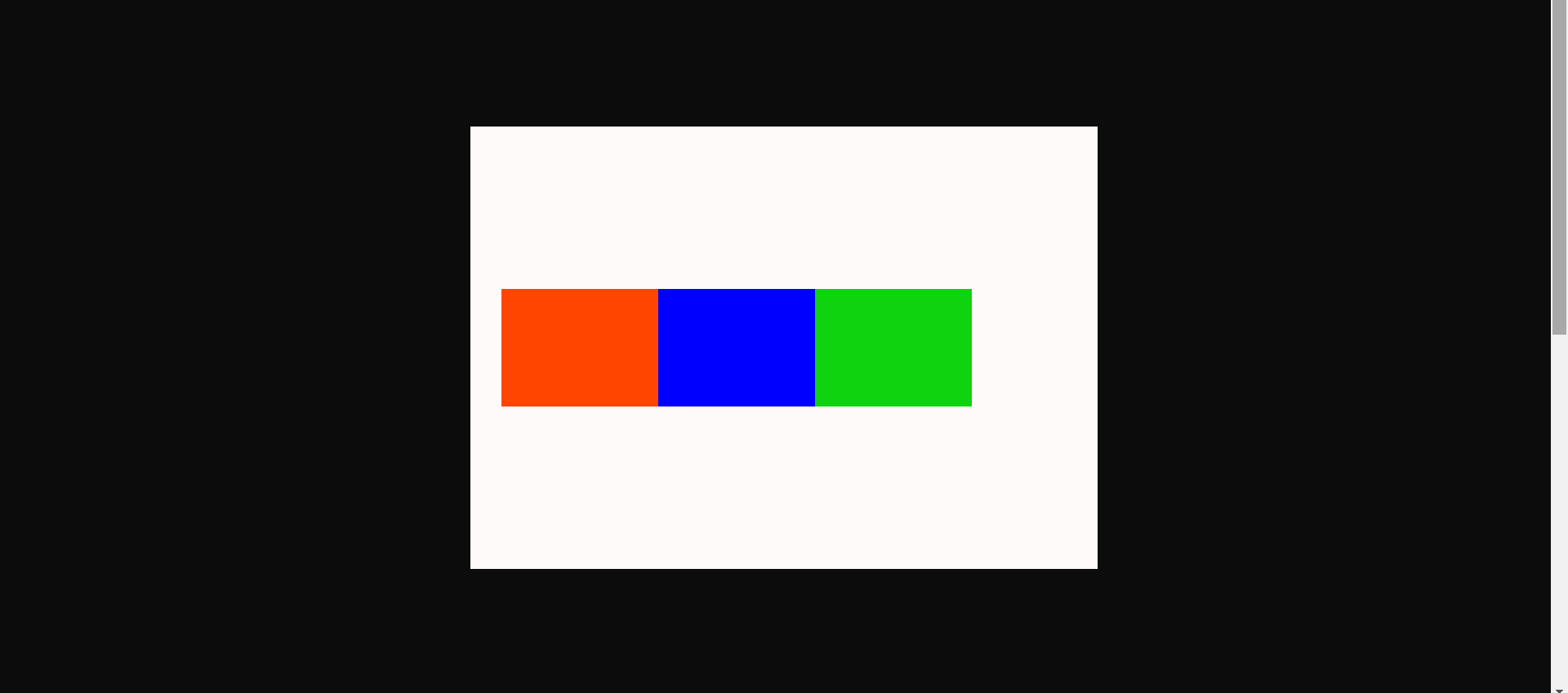
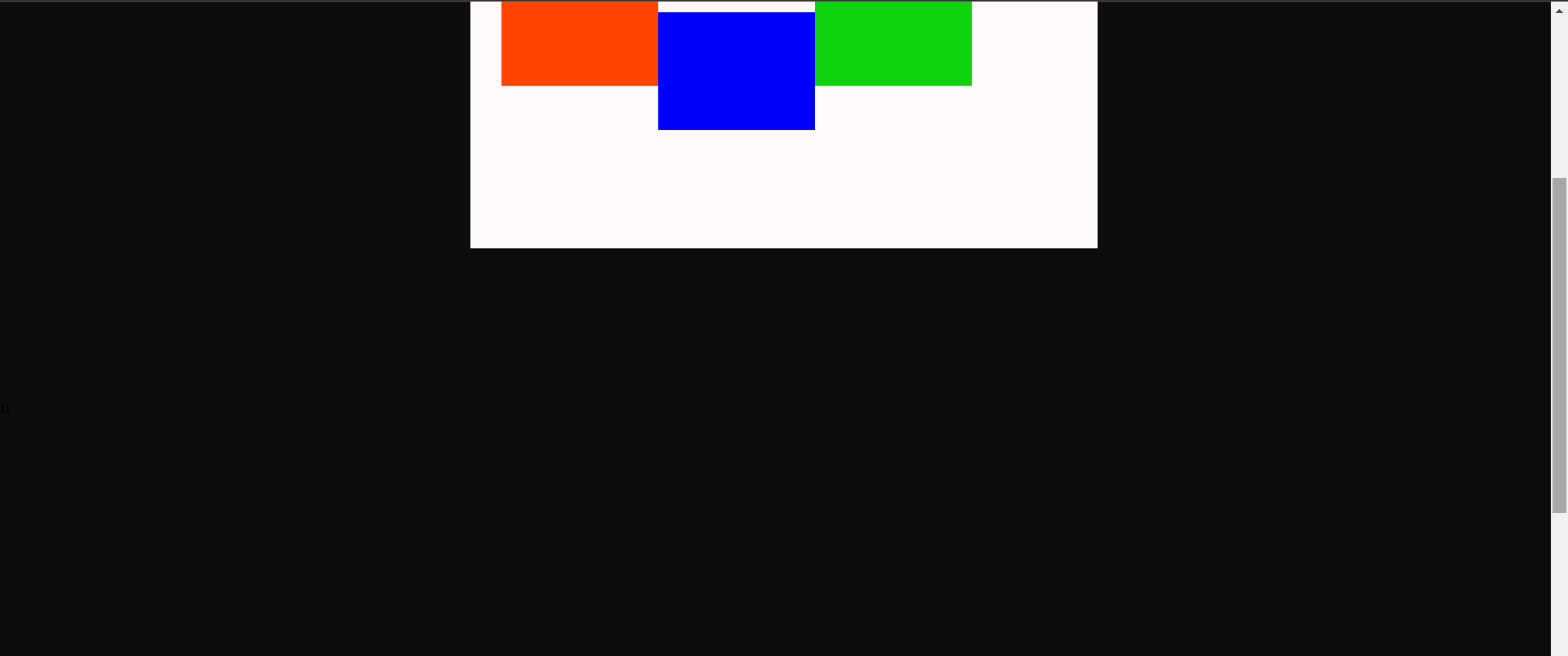
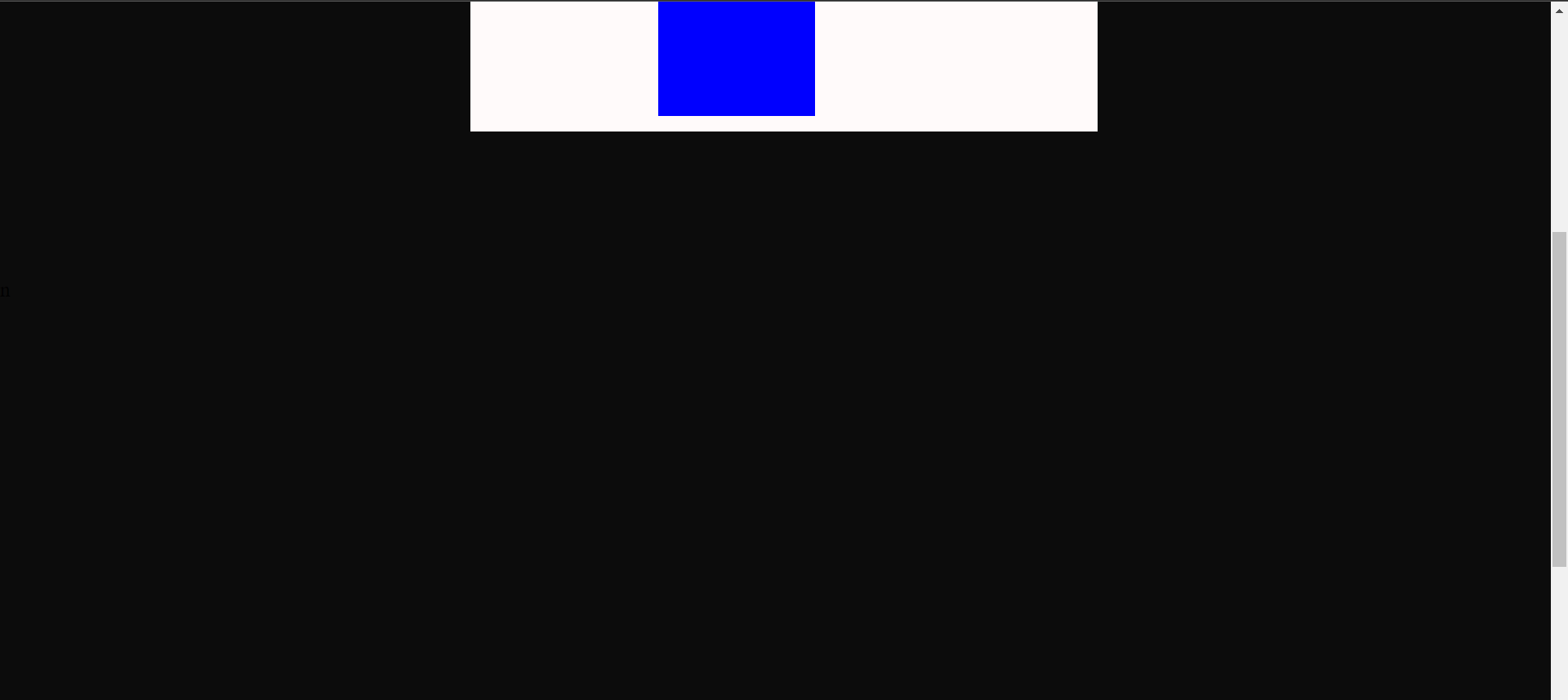
yeah, I have attached three outputs again 😅, hopefully, this would be the last output section so It's time to observe...!
We can observe that the blue box remains in its position as shown in output image1 showing a bit of static property. Once we start scrolling the page, The blue box waits until it's 10px far from the top of the viewport, Once this breakpoint is hit the blue box scrolls along retaining its flow until the center div ends showing up the properties fixed and relative positions.
** HURRAY, That's all for today let's catch up another day with another topic 🔥.**
Until then signing off, bubye -Aarya ❣
Feel free to get in touch: LinkedIn
NOTE: If you require a video tutorial or code do drop a comment💭. Your insights are more valuable, Consider hitting a like👍 on the article. 😁


